This sign is next to the trail near the summit in Griffith Park.

<アンダブロッブ />
This sign is next to the trail near the summit in Griffith Park.
Live on Bourbon St

Me drive truck good

Our new place

After brunch @ Marmalade Cafe, we went hiking on Malibu coast.

Hollywood hills

I just started using the jQuery javascript framework to replace my home-grown animation functions. It is really helpful in speeding up development and is cross-browser compatible so it also cuts down on QA testing. Below is a little bit of jQuery code for swapping out images:
function imgin () {
	$( '#img-id' ).attr ( { 'src': 	new_img_url } );
	$( '#img-id' ).load ( function () {
		$( '#img-id' ).fadeIn ( 1000 );
	} );
}
$( '#img-id' ).fadeOut ( 200, imgin );
Start by setting a 200 millisecond fadeOut on the current image with a callback to imgin function. imgin sets the src attribute (via the attr method) of the image to load the new image file (via new_img_url variable). Then set a load event on the image to trigger fadeIn after the image is loaded.
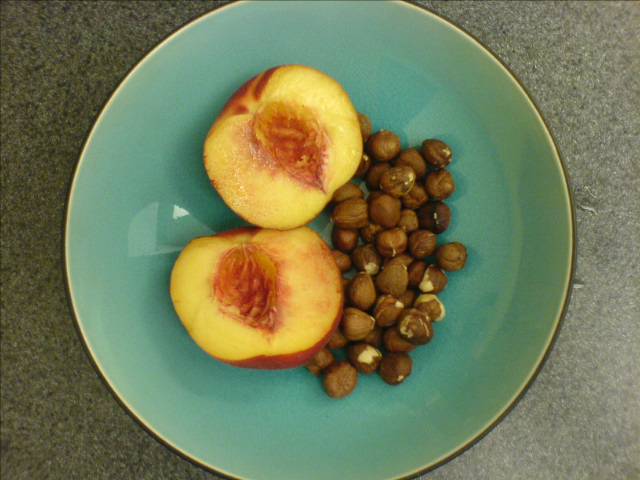
Breakfast
Shopify is a hosted e-commerce solution that I have been using for a couple years now for clients that want to sell their products online. It is great software with quick setup and really intuitive and easy to use Admin. They offer a variety of pre-canned themes to choose from so a store can be set up in a few hours by anyone. If you know HTML/CSS and aren’t afraid of a little bit of programming, you can also create your own customized themes. So it is a perfect choice for smaller companies without a million dollar budget to hire a web designer to get a custom-branded storefront up on their website.
Shopify just released a whole bag of tricks for theme designers that really extends the flexibility of theme design. Previously, the theme structure was set to a fixed number of templates that could be used in the theme… collections, products, informational pages, etc. They’ve just added the ability to add child templates that you can specify on each product, collection, or page in the Admin. For example, 3 different types of products need to have different visual treatment and layout: shoes, pants, shirts. Instead of trying to jam a bunch of conditions into one product template to make it work, you can create 3 additional templates (product.liquid is the default template):
product.shoes.liquid
product.pants.liquid
product.shirts.liquid
The same type of branching is now available for the entire layout as well using the new layout tag.
This is only one of the great new features that was added in this round of upgrades. Read more about the other just-as-great additions on the Shopify blog: blog.shopify.com/theme-customization-for-everyone
PHP functions for creating and decipering URL-safe strings are urlencode and urldecode.
Javascript functions for creating and deciphering URL-safe strings are escape and unescape.
PHP’s urlencode replaces spaces with + and Javascript’s escape replaces spaces with %20. So if you are decocing a string from PHP with Javascript, you have to replace all the + in the string with spaces using the JS string.replace function. Since + is an operator in Javascript, it has to be escaped with a backslash ( \ ) for the function to execute without error. The g flag has to be included to replace all instances of occurance ( g = global):
string.replace ( /\+/g, ' ' );