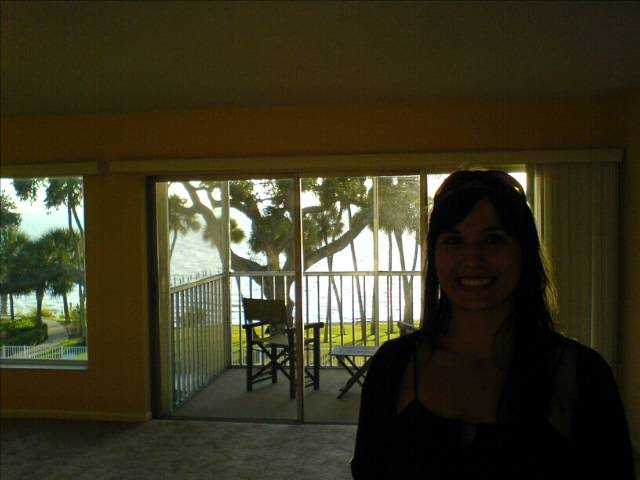
After brunch @ Marmalade Cafe, we went hiking on Malibu coast.

<アンダブロッブ />
After brunch @ Marmalade Cafe, we went hiking on Malibu coast.
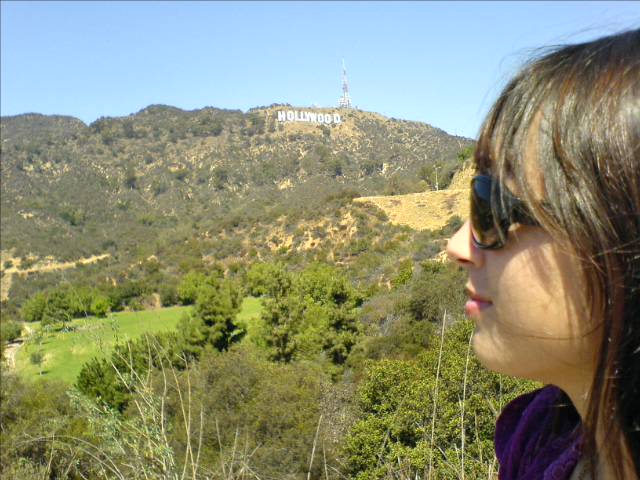
Hollywood hills
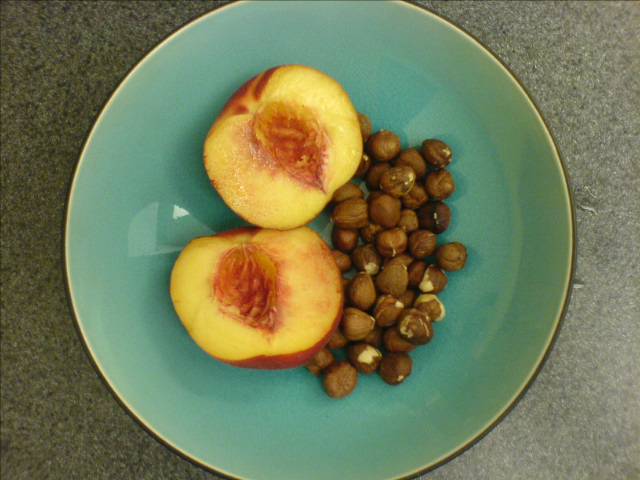
Breakfast
Bay after storm

So after you login to your Facebook profile, if you click on the “Applications” tab in the bottom left corner of the screen on the bottom control bar, you see this page full of applications. Although none of them are flesh-eating reptiles, you can find a way to add your Titter updates to your Facebook shizzle. If you are still reading this, you may understand…

Red fire

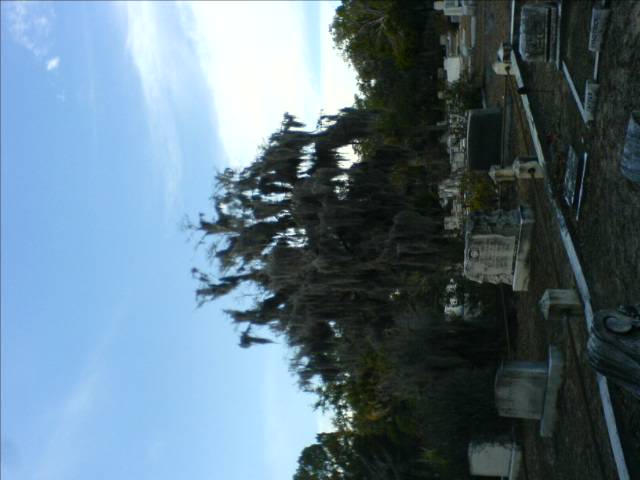
Savannah, GA
Trying to figure out how to email a grocery list to our street team, we ran across this list of major US cell phone providers and how to format emails to send text messages:
| Provider | Email Format |
|---|---|
| Alltel: | {number}@message.alltel.com |
| AT&T: | {number}@mms.att.net |
| Nextel: | {number}@messaging.nextel.com |
| Sprint: | {number}@messaging.sprintpcs.com |
| Suncom: | {number}@tms.suncom.com |
| T-mobile: | {number}@tmomail.net |
| Voicestream: | {number}@voicestream.net |
| Verizon (text only): | {number}@vtext.com |
| Verizon (pics and vids): | {number}@vzwpix.com |
Replace the {number} with the 10 digit phone number of our recipient and now we can hand down our directives to the street team without ever picking up the cellie. Booyah!
Bay’s Bluff, SRQ